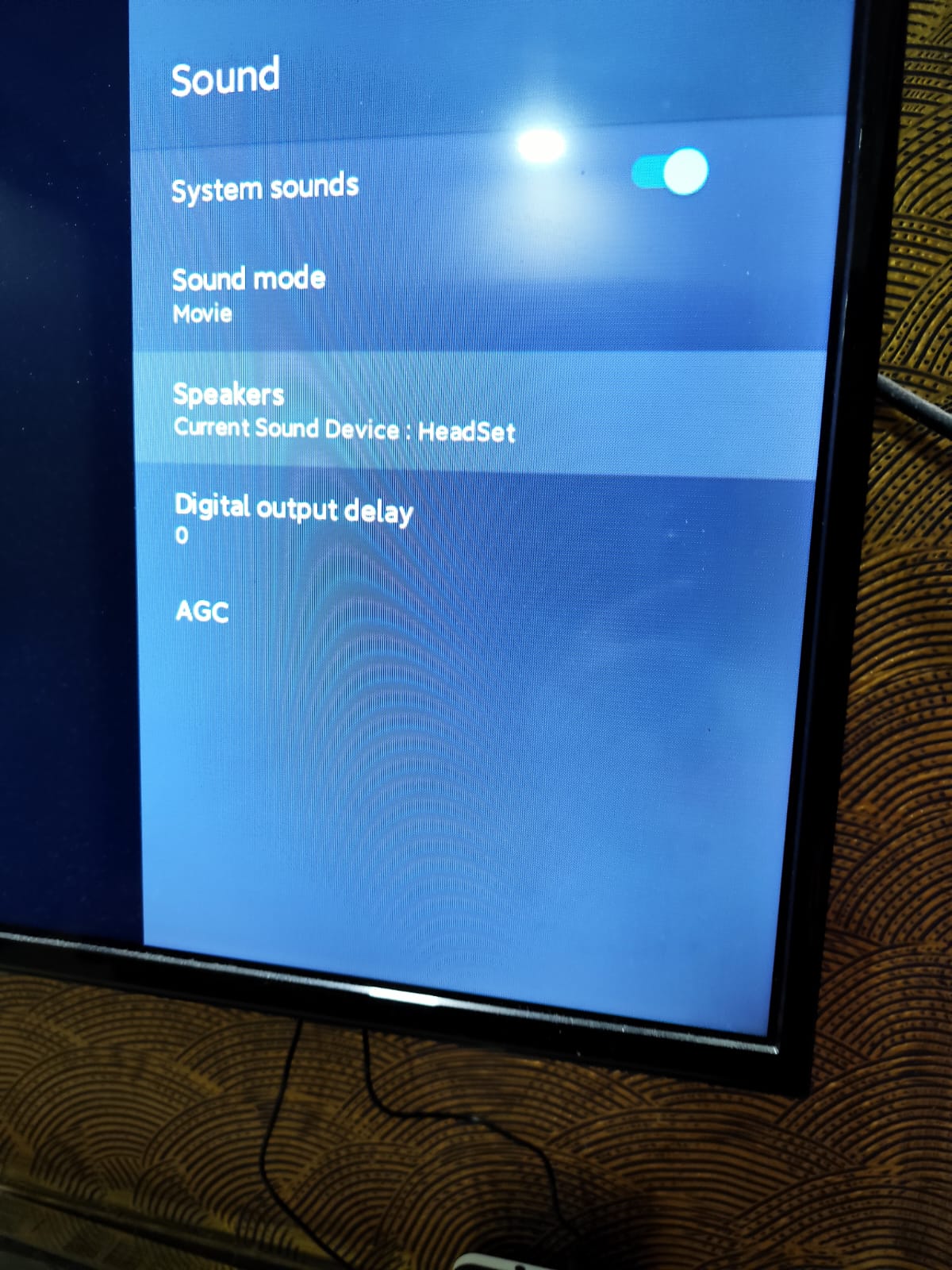
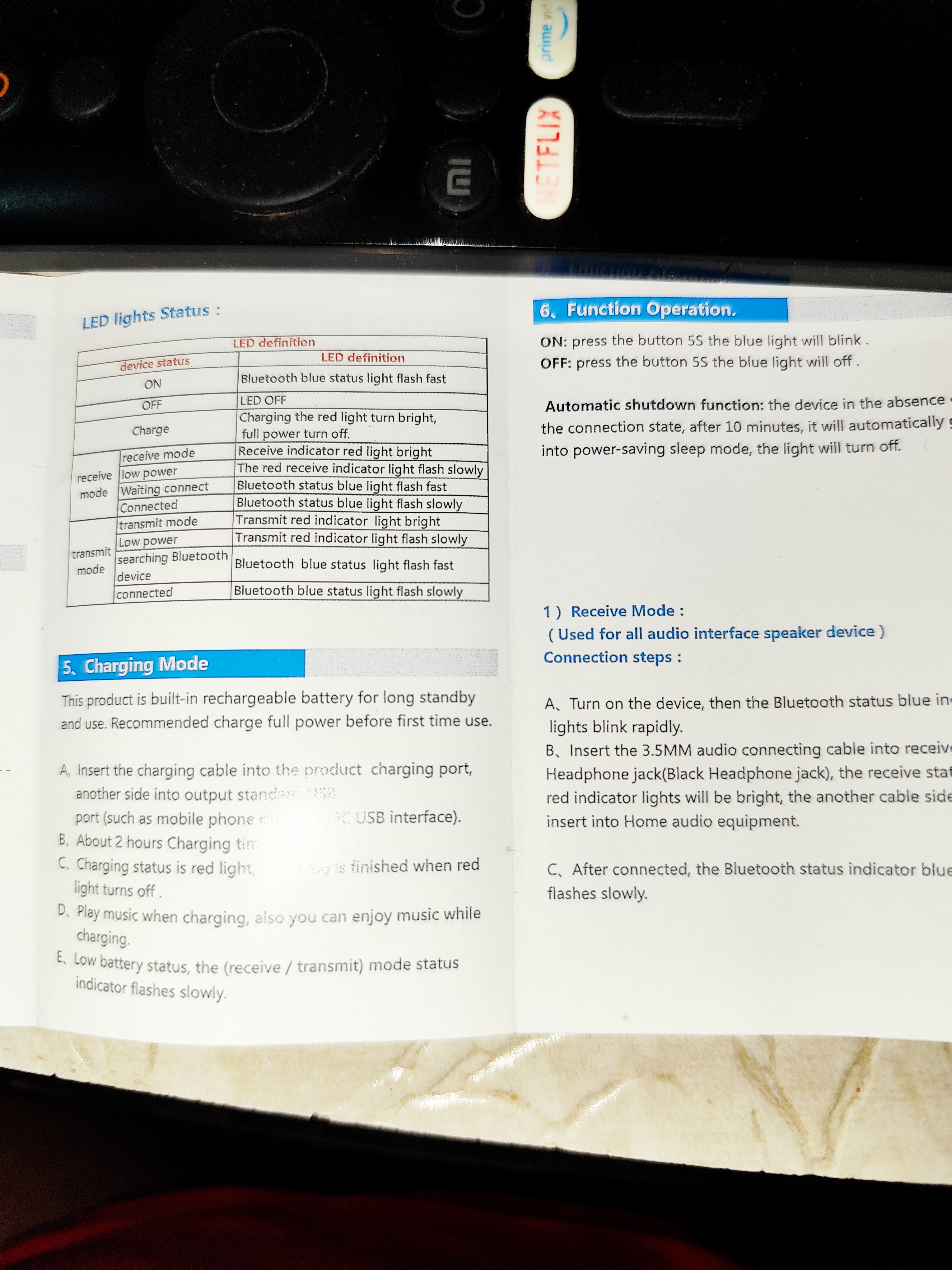
Question MI TV and JBL510 headphone connectivity issue after 1+ hours.

New3tot0mgidz

Estimable
Aug 15, 2022
12
0
4,560
My TV only supports 2.4 GHz band.
Internet is connected via Wifi to this TV.

Whenever, I try to connect my JBL510BT headphones, it works find for around 1+ hour (after full charge) then suddenly sound starts lagging and after few minutes it fails to connect (keeps getting connected/diconnected)
Been like 2 weeks since this issue started.

Also, I am unable to hard reset the headphone suddenly.
Some help here, will be great.

Thanks
 
The wireless network bandwidth your TV uses to connect to the internet is a completely separate interface (BlueTooth) than the headphones are using. Just making sure you are aware that they are two different connections altogether.

That being said, the TV likely has a single hardware device supporting both networks and those devices can get hot.

What is the make/model of your TV?

When the BT/headphones issues start, do you see any picture quality issues on the TV picture itself?

The issue could also be constrained to the budget headphones you are using. Have you ever paired them to device for a long period of continued use time? If so, any issues?
 
Just making sure you are aware that they are two different connections altogether.
Thanks for info, I thought those are one.

What is the make/model of your TV?
mi tv axso0


When the BT/headphones issues start, do you see any picture quality issues on the TV picture itself?
No issue in picture quality, it's perfectly fine, only issue with sound or lags for few seconds, then connects/disconnect and then completely breaks signal.

As I mentioned, issue with 2 different brand headphones JBL and Tribit.
Tribit Quietplus 72 is comparatively expensive headphone.

Have you ever paired them to device for a long period of continued use time? If so, any issues?
After pairing idiots starts after 1 hour.. So max it was connected for 1 to 2 hours.
If connected and kept idle, headphone feature automatically disconnects and turns off headphones.