• We hope you have a fantastic holiday season to close out 2025! Thank you all so much for being part of the Tom's Guide community!

Solved! How do you change the laptop numeric keyboard config

oldfogey

Distinguished
Aug 25, 2011
2
0
18,510
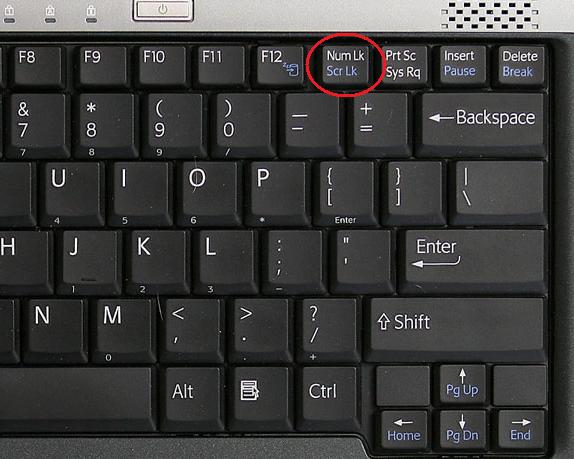
There is a numeric key pad associated with the letters on the keyboard on my laptop. Now when I want to type the letter, the number appears. Obviously I have changed the keyboard config somehow but I don't know how. How do I change it back so that I can type all the letters of the alphabet.

Oldfogey
 
Solution
On my thinkpad, pressing fn and ScrLk at the same time sets the keyboard to number pad mode, and I get numbers.
To reset it to alpha, fn +scrlk resets ithe keyboard.
Hello oldfogey;

Sounds like your have the Numlock key set ON, so the number pad is active.
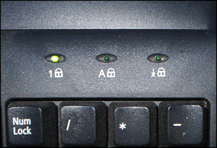
Is there an extra LED light on the keyboard or keyboard panel anywhere? Usually there is a numlock ON LED light.
 
What make and model of laptop do you own?

keyboard.jpg
 
On my thinkpad, pressing fn and ScrLk at the same time sets the keyboard to number pad mode, and I get numbers.
To reset it to alpha, fn +scrlk resets ithe keyboard.
 
Solution